LOOK INSIDE BEFORE YOU BUY
From a blank prompt
to a useful next step.
Follow Alex, a virtual assistant, through the first week with Maya at Juniper Studio. Both are fictional. These are pages and excerpts from the kit you’ll receive.
BLANK PROMPT TO WORKED EXAMPLE
Collect facts that shape the week
- Your starting prompt
- What visible result would count as success?
- How Alex fills it in
- One approved inbox workflow and three draft reply templates.
Turn the answer into deliverables in the tracker. Keep access gaps and approval deadlines visible before committing to a date.
Open page at full size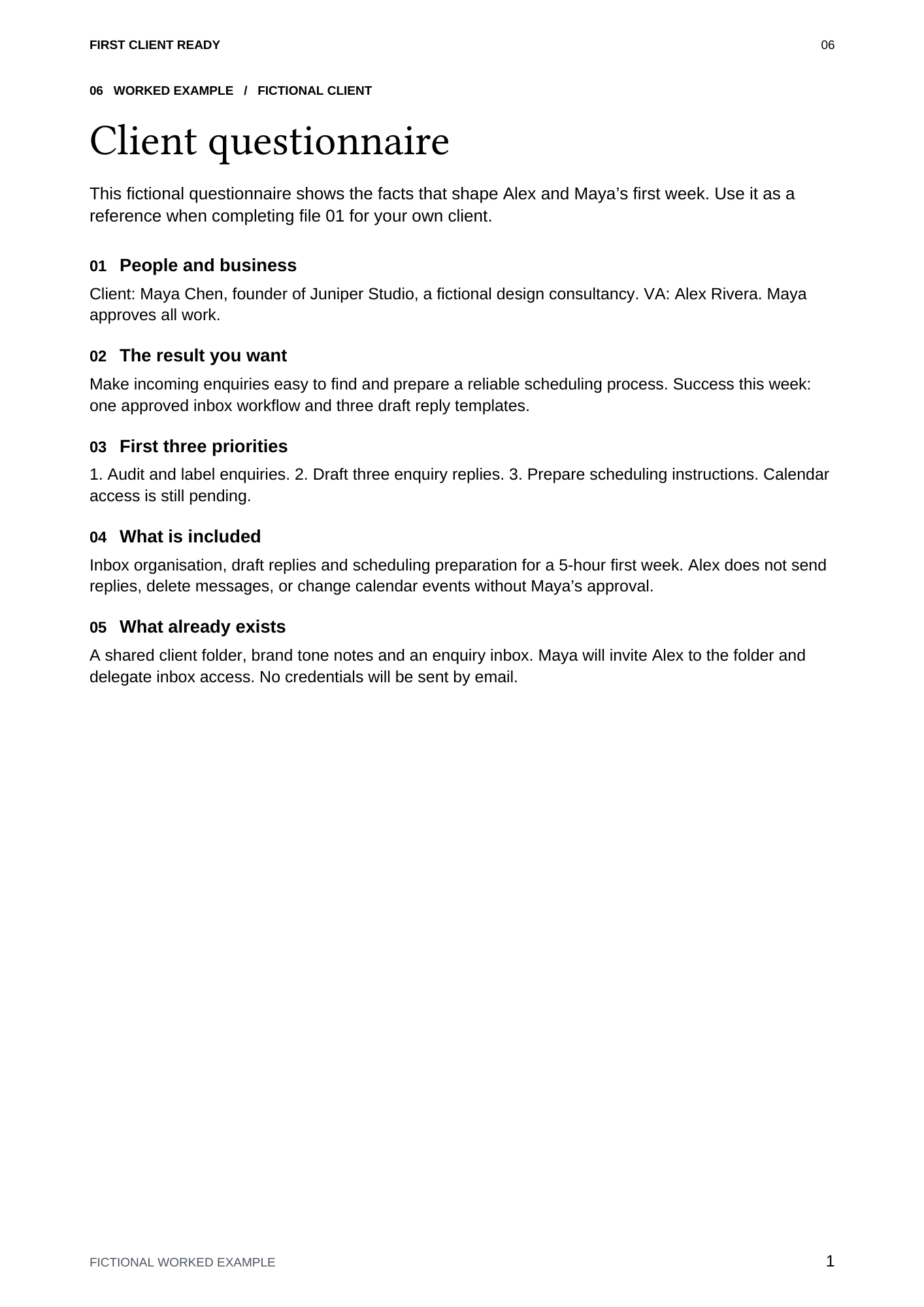
YOUR DOWNLOAD, FILE BY FILE
Open the file you need. Make a client copy.
- Start hereDOCX · setup, task patterns, practice, recurring routine and optional AI prompt
- Client questionnaireDOCX · separate blank file
- Client welcome packetDOCX · separate blank file
- Kickoff agendaDOCX · separate blank file
- First-week checklistDOCX · individual checkboxes
- Four email templatesDOCX · missing information, priorities, progress and scope changes
- Completed exampleDOCX · one consistent fictional client across all templates
- Task trackerXLSX · Blank and Example sheets, status dropdowns, agreed budget and hour totals
- Reading editionPDF · all 26 document pages plus clickable contents, for browsing and printing
Seven editable documents, one workbook and a PDF reading edition in a ZIP. Use Word / Excel, or import into Google Docs / Sheets. Formatting can vary between apps. The PDF is for reading and printing; its fields are not interactive.